
You finally made it to the airport. Your suitcases are packed with swimsuits and sunscreen, your out of office email is officially turned on, and you are completely ready for a week of drinking cocktails on the beach in Punta Cana. You walk up to the airline check in counter, hand over your passport, and wait for your boarding pass. Then, the airline agent asks to see your Dominican Republic E Ticket QR code. If you have absolutely no idea what they are talking about, your relaxing travel day is about to turn into a complete nightmare.

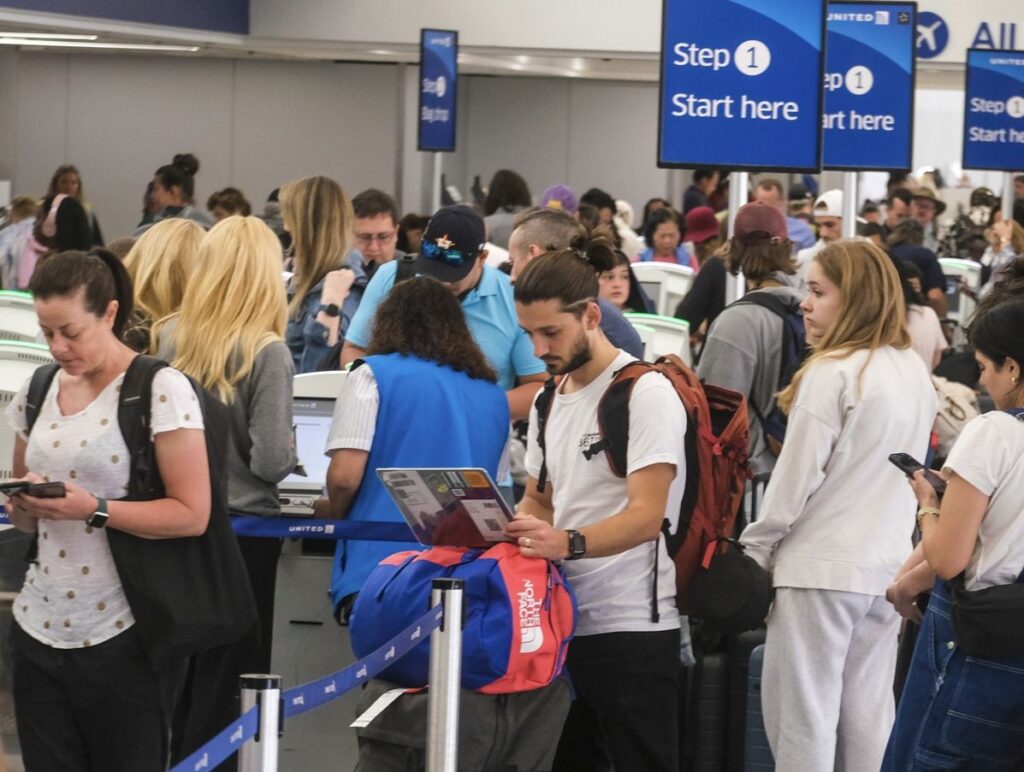
Airlines are strictly enforcing this mandatory entry requirement. If you do not have your digital form fully completed and ready to scan, they will pull you out of the line and refuse to let you board the airplane. The absolute last thing you want is to be standing in a crowded airport terminal, fumbling with terrible public Wi Fi, and frantically trying to fill out a government web form on your phone while the clock ticks down to your flight departure.
If you are heading to the Dominican Republic this winter, here is exactly what you need to know about the mandatory E Ticket so you can breeze right through the airport without a single panic attack.

The Mandatory Digital Requirement
Gone are the days when flight attendants handed out physical paper customs forms on the airplane with a tiny blue pen. The Dominican Republic has completely digitized its entry and exit process. The E Ticket is a mandatory digital form that combines your immigration, customs, and health declarations into one single electronic document. Every single commercial passenger entering or leaving the country must complete this form.


The rules are incredibly strict. It does not matter if you are flying Delta, American Airlines, or JetBlue. The airline agents are required by law to verify your generated QR code before they print your boarding pass or let you on the plane. If you wait until you reach the airport to figure this out, you will be directed to step aside and complete it on your smartphone. Depending on how fast you type and how well the airport internet is working, this unexpected delay can easily cause you to miss your flight.
Beware Of The Expensive Online Scams
When travelers realize they need to fill out a mandatory government form, they usually panic and search for it on Google. This is exactly where thousands of tourists get tricked every single month. There are dozens of lookalike third party websites that rank highly on search engines. These websites look incredibly official and offer to process your E Ticket for a fee, usually charging anywhere from forty to eighty dollars.
You must understand that the official E Ticket is one hundred percent free. You should never pay a single penny to fill out this mandatory document. If a website asks for your credit card information, you are on a scam site and you need to close the browser tab immediately. You must only use the official Dominican Republic migration portal at eticket.migracion.gob.do. It is the only safe, completely free way to secure your travel documents.


Arrival And Departure Forms Are Both Required
Another major mistake travelers make is assuming one form covers the entire vacation. You actually need to fill out two separate forms. You must submit one form for your arrival flight into Punta Cana, and a completely separate form for your departure flight going back home. The incredibly good news is that you can complete both forms in the exact same online session before you even leave your house.
If you are traveling with your family, the process is actually very simple. You do not need to fill out a separate application for every single person. One adult can register up to seven family members or friends who are traveling together on the exact same flight itinerary. This saves you a massive amount of time and prevents you from having to type out the same hotel address and flight numbers over and over again.

Screen Grab Your QR Code Immediately
Once you successfully complete the digital form, the website will generate a unique QR code. Do not just close the web browser and assume you can pull it back up later. You need to take a screenshot of this QR code immediately and save it directly to your phone camera roll. You can also download the provided PDF document directly to your device.
Airport internet connections are notoriously unreliable. If you try to log into your email at the check in counter and the Wi Fi drops, you will be stuck holding up the line. Having a screenshot saved locally on your phone ensures you can pull up your QR code instantly, even if your phone is in airplane mode or you have zero cell service.
Take ten minutes the night before your trip, sit on your couch, and fill out the free forms. Save the screenshots to your phone, and you will walk right past the stressed out travelers frantically typing on their cell phones at the airport check in desk.
DR E-Ticket Guide
Subscribe to our Latest Posts
Enter your email address to subscribe to Dominican Republic Sun’s latest breaking news affecting travelers, straight to your inbox.